

 Typeform



Personalized Assistant
Create a chatbot assistant that connects to your business data and integrations, saving you time by retrieving information without the need for manual searches or team inquiries.
Quickly build a custom AI assistant powered by OpenAI's GPT-3.5 technology! Connect it to your organization's resources or upload your files, empowering the assistant to assist with any inquiries you or your team may encounter.
Create a chatbot assistant that connects to your business data and integrations, saving you time by retrieving information without the need for manual searches or team inquiries.
Get a help-desk assistant chatbot running quickly by connecting your data sources. Link integrations, spreadsheets, or upload documents to engage with the chatbot instantly.
No data? No problem! Emma trains your assistant by asking questions about the info you want it to know. Your assistant learns from you and gets smarter to become your ultimate "know-it-all" helper.
Communicate with your assistant through the chat webpage, by using the desktop application, through an integration, or by accessing the Emma API.
Learn moreCreate an assistant for each of your teams, project, or workflows. You can customize data access for each assistant, increasing your team's efficiency by 90%.
Learn more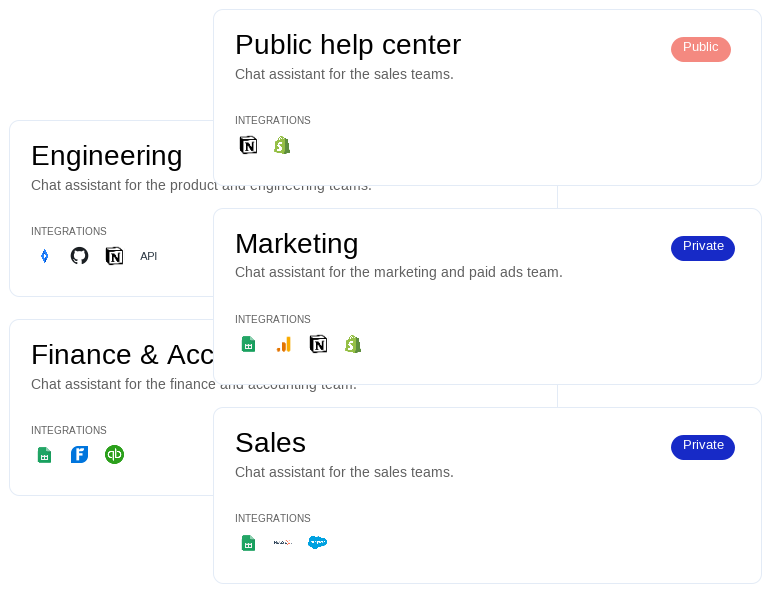
Connect your tools, database or import your files in just a few clicks. Emma is compatible with a wide range of platforms and file formats, ensuring a seamless experience.
Learn more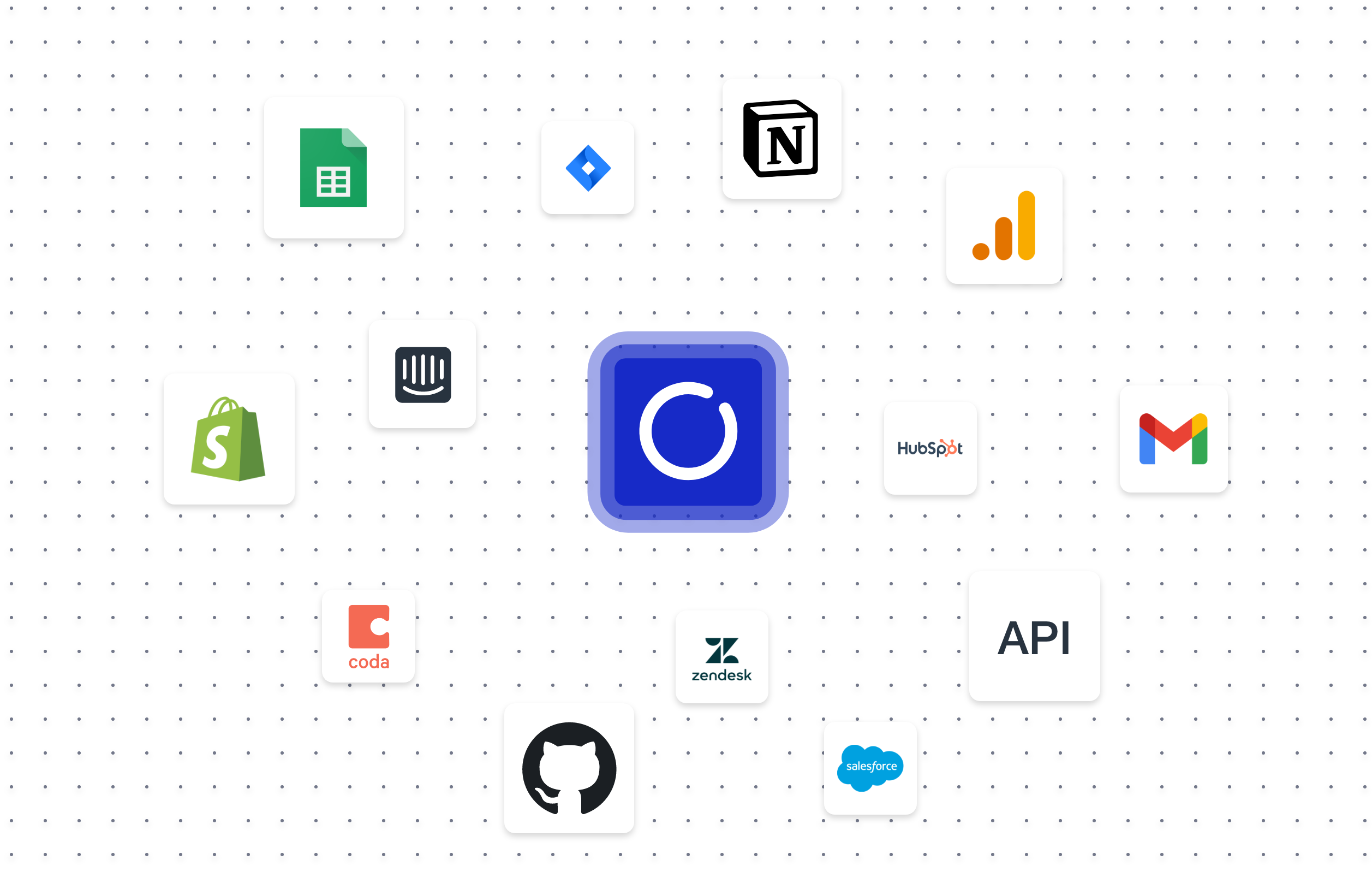
Communicate with your assistant through the chat webpage, by using the desktop application, through integrations, or by accessing the Emma API.
Learn moreYou can easily control the data that an assistant can access and customize it for different use cases.
Learn more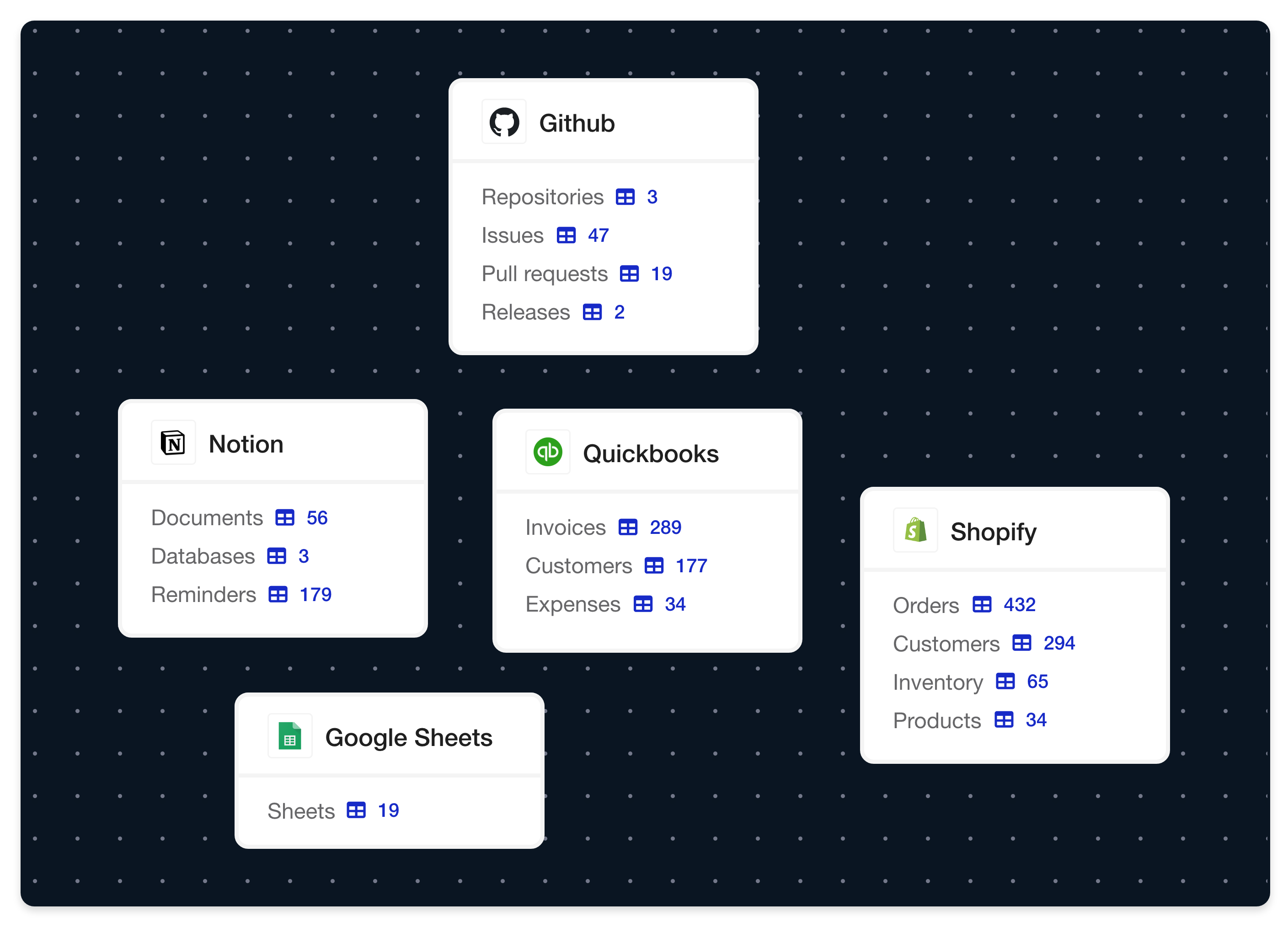
Integrate your assistant into your favorite applications with our integrations. We offer integration options for various platforms, including Slack, support applications, Zapier, Email software, and more!
Learn more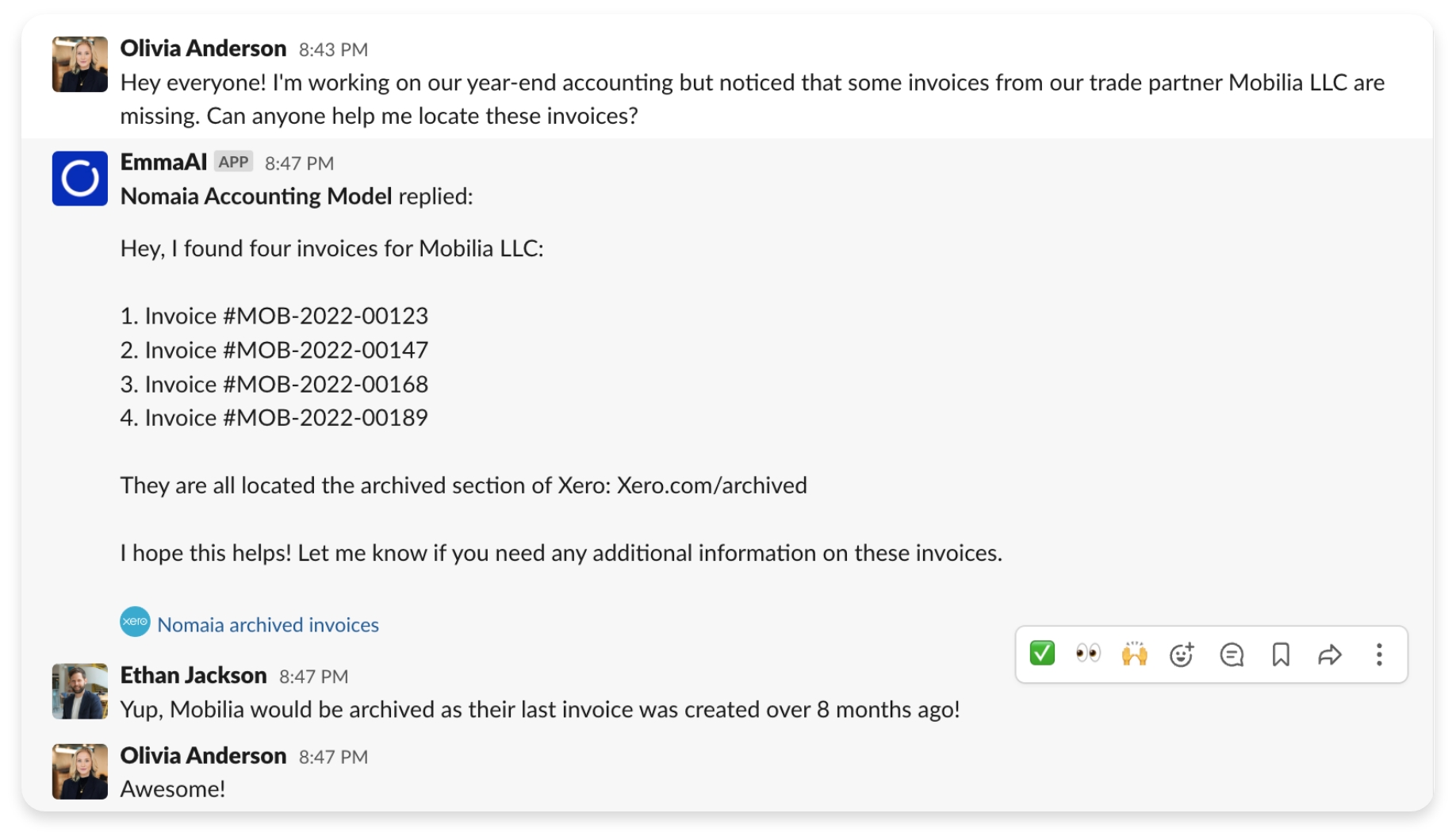
There are no limits to the number of assistants you can create! You have the flexibility to connect each assistant to unique integrations and data sources, making them available to assist various teams, employees, or use cases.
Absolutely! You have the flexibility to add or remove access to a data source for your assistants at any point in time. For instance, your marketing assistant can be granted access to your online store, analytics, and project management tools, while your accounting assistant can be given access to your accounting software, specific Excel spreadsheets, and sales data.
Personalizing your assistant's knowledge is easy. Simply connect your data sources by uploading documents, integrating with your business tools, or adding manual content. This will enable your assistant to provide tailored support based on the information and resources specific to your organization.
Setting up is a breeze and takes as little as 5 minutes! All you have to do is create an account, set up your assistant, and connect your data.
You can customize your assistant by adding a personalized image, cover image, and color. Alternatively, you can also connect your assistant to your own webpage or application via our API.
Still have questions? Get in touch
Create an AI-powered assistant in minutes!
 Google analytics
 Google contacts